Skewed gallery
A skewed gallery presents its child items in a line.
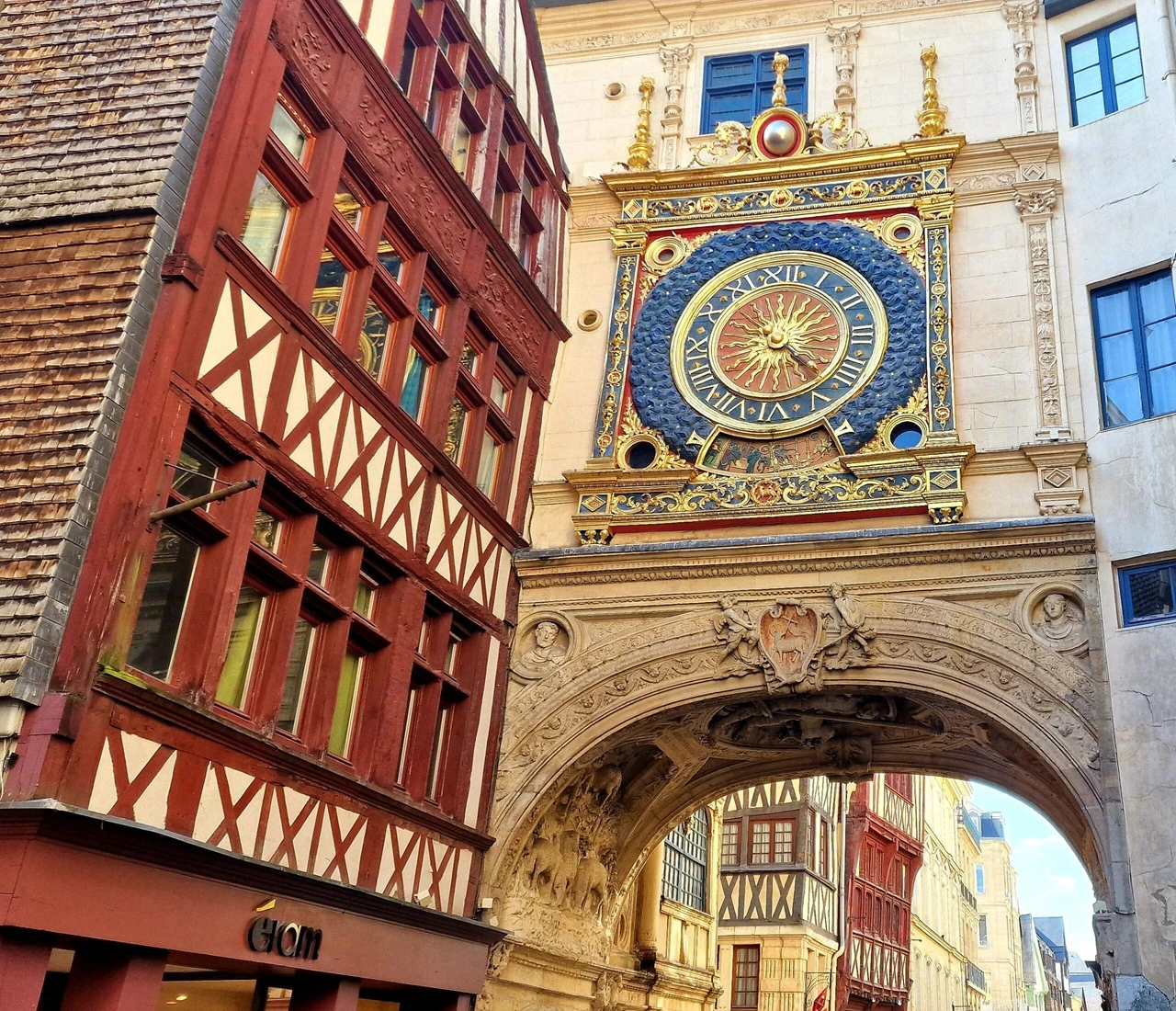
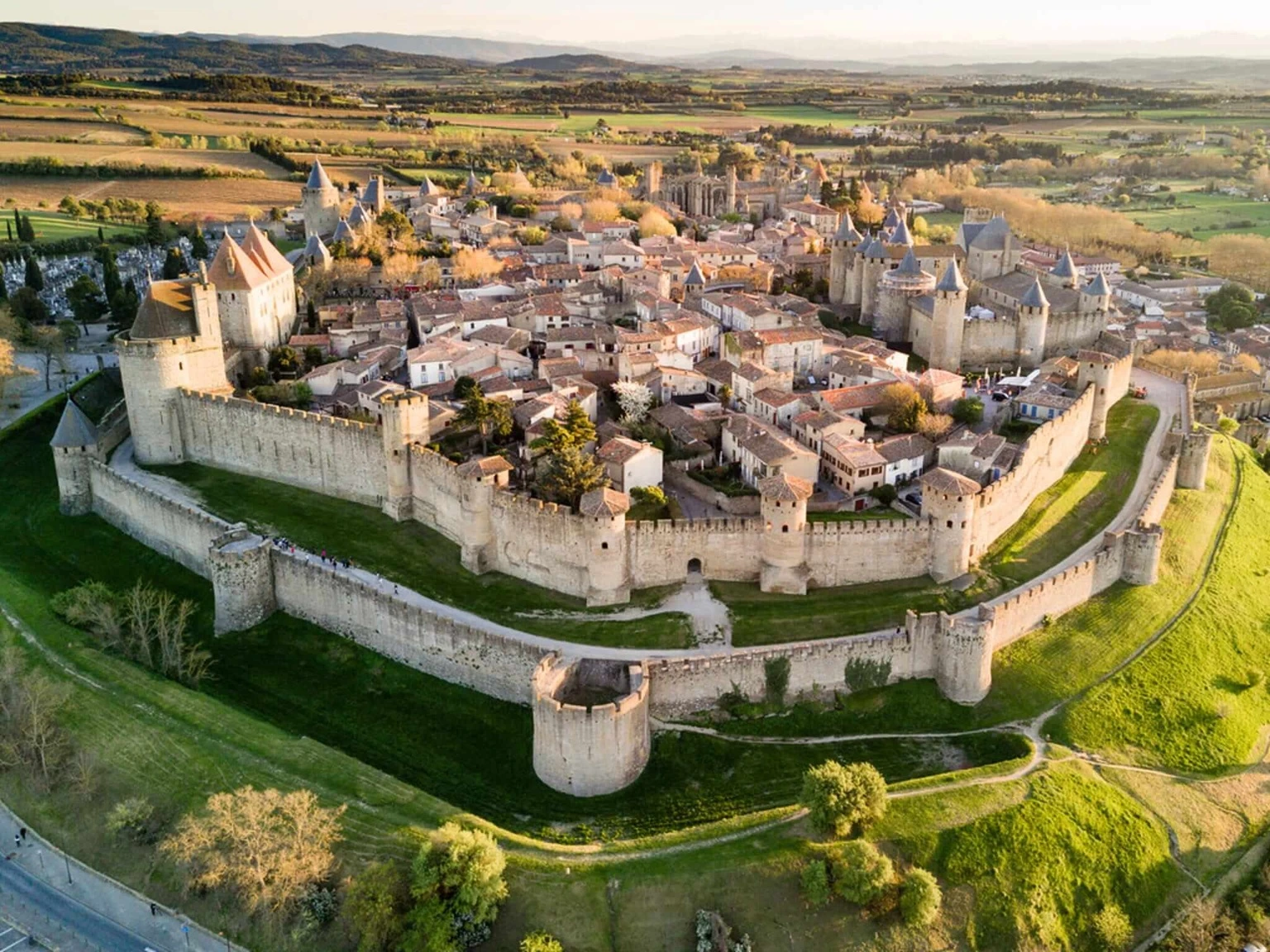
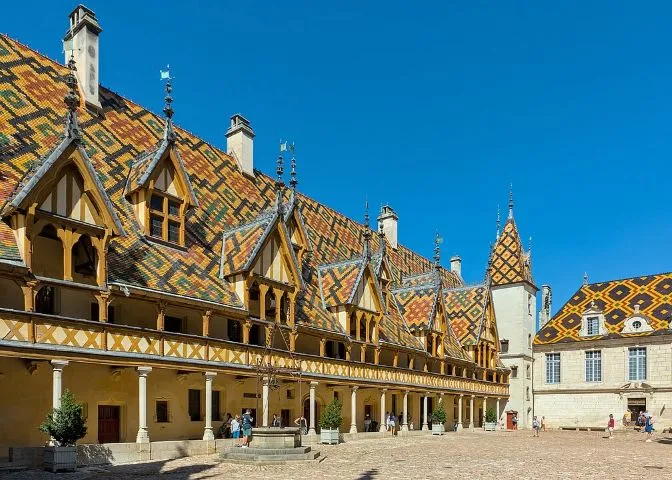
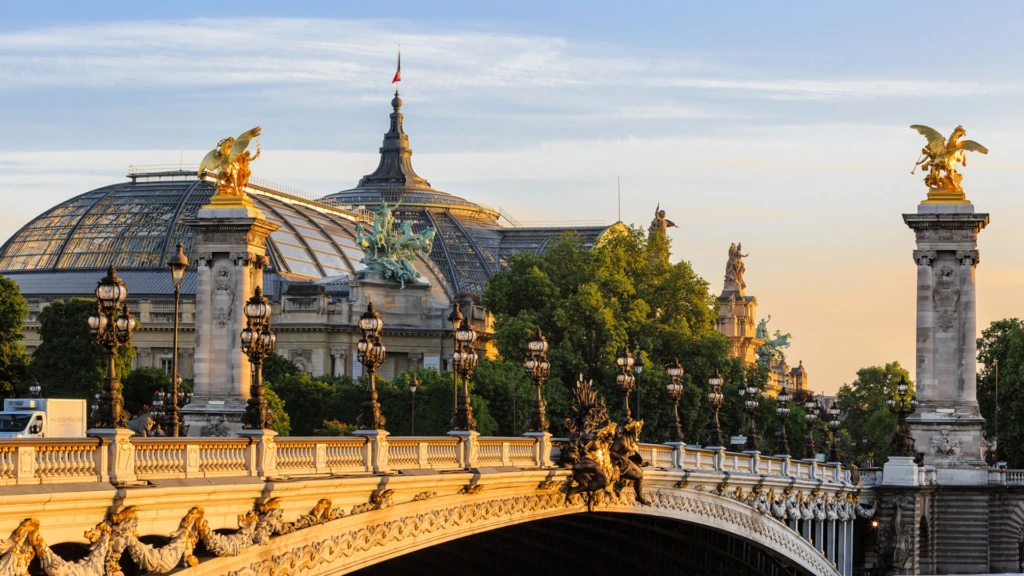
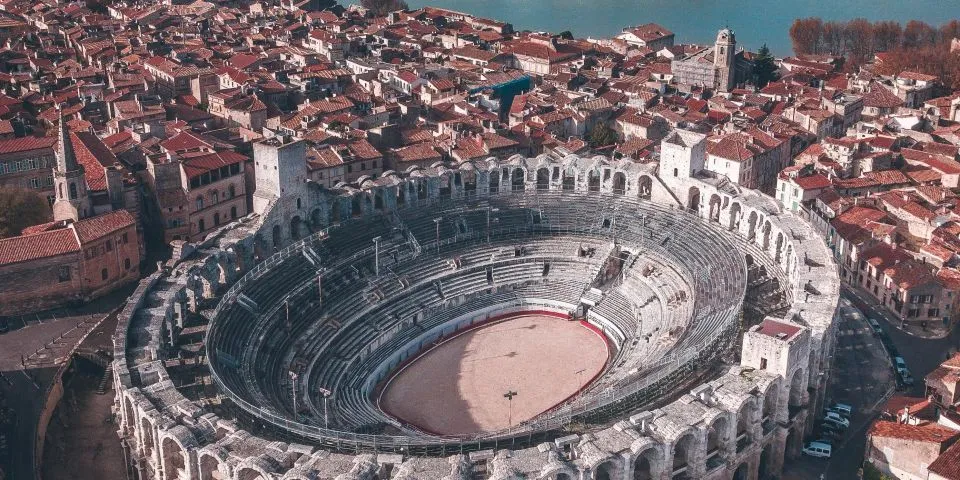
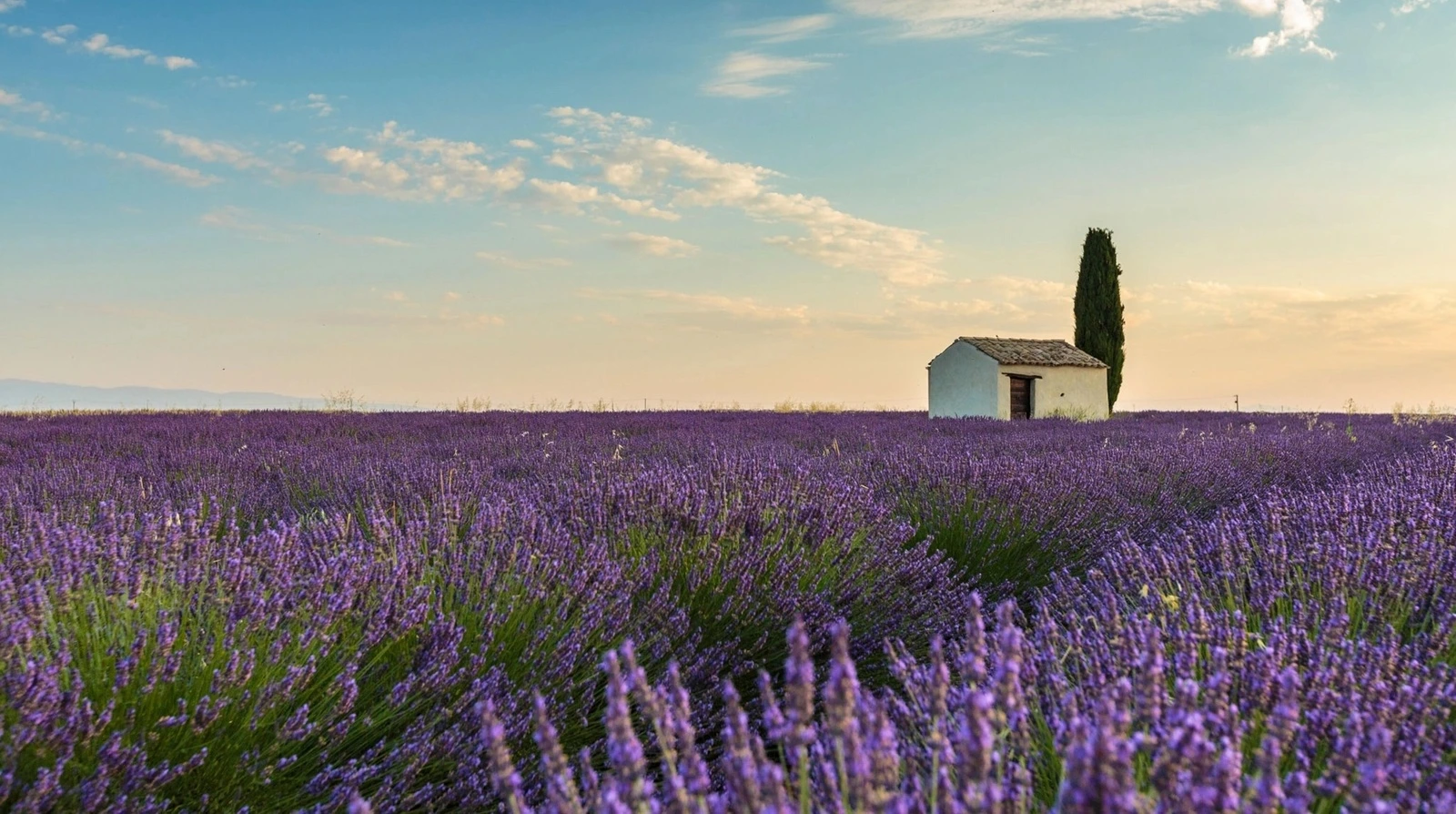
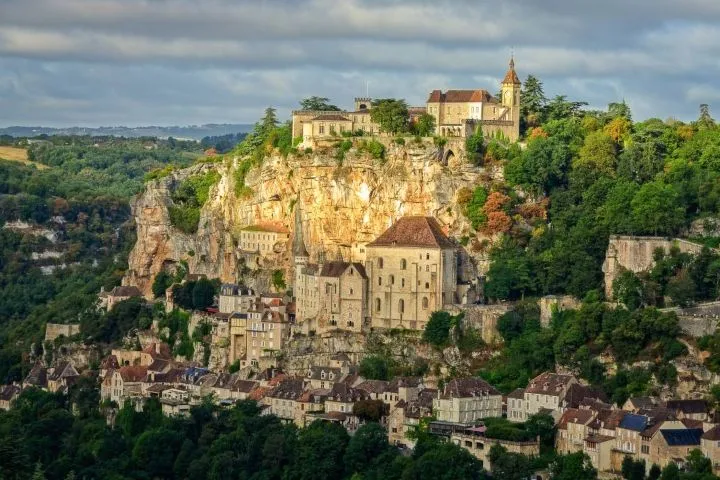
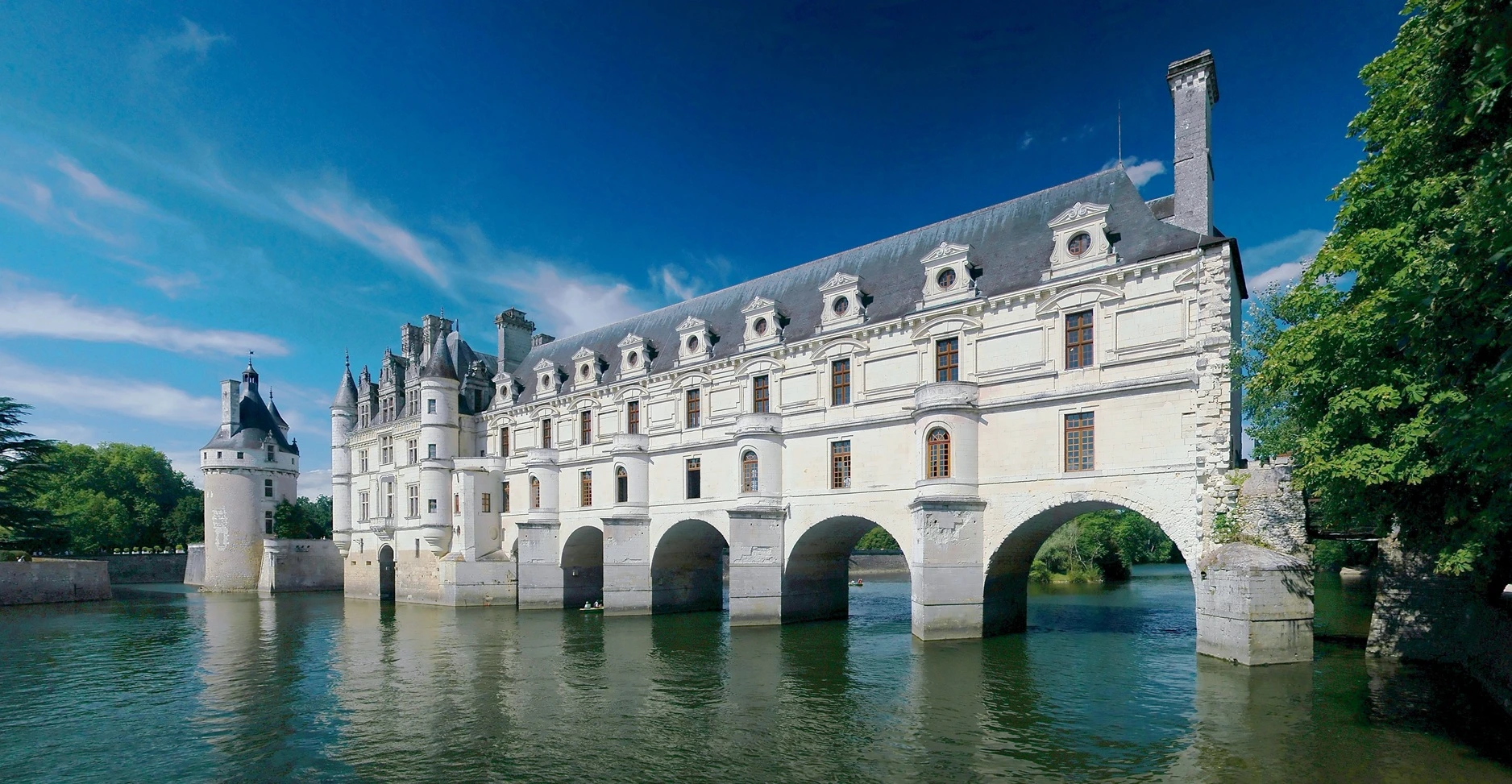
<x-skewed-gallery class="h-80 gap-[3px] *:hover:w-[10vw] *:duration-500">
  @foreach($pictures as $picture)
    <img src="{{ $picture }}"/>
  @endforeach
</x-skewed-gallery>

<x-skewed-gallery class="h-80 text-center" skew="100px">
  @for ($i = 1; $i <= 10; $i++)
  	<div @class(["bg-info text-info-content" => $i % 2 === 0, "bg-warning text-warning-content" => $i % 2 === 1])>
  		<div class="h-full flex items-center justify-center">Item {{ $i }}</div>
  	</div>
  @endfor
</x-skewed-gallery>
pictures = [
  '/assets/sightseeing/france/gros-horloge.webp',
  '/assets/sightseeing/france/carcassone.webp',
  '/assets/sightseeing/france/beaune.webp',
  '/assets/sightseeing/france/grand-palais.webp',
  '/assets/sightseeing/france/arles.webp',
  '/assets/sightseeing/france/lavande.webp',
  '/assets/sightseeing/france/rocamadour.webp',
  '/assets/sightseeing/france/chenonceau.webp',
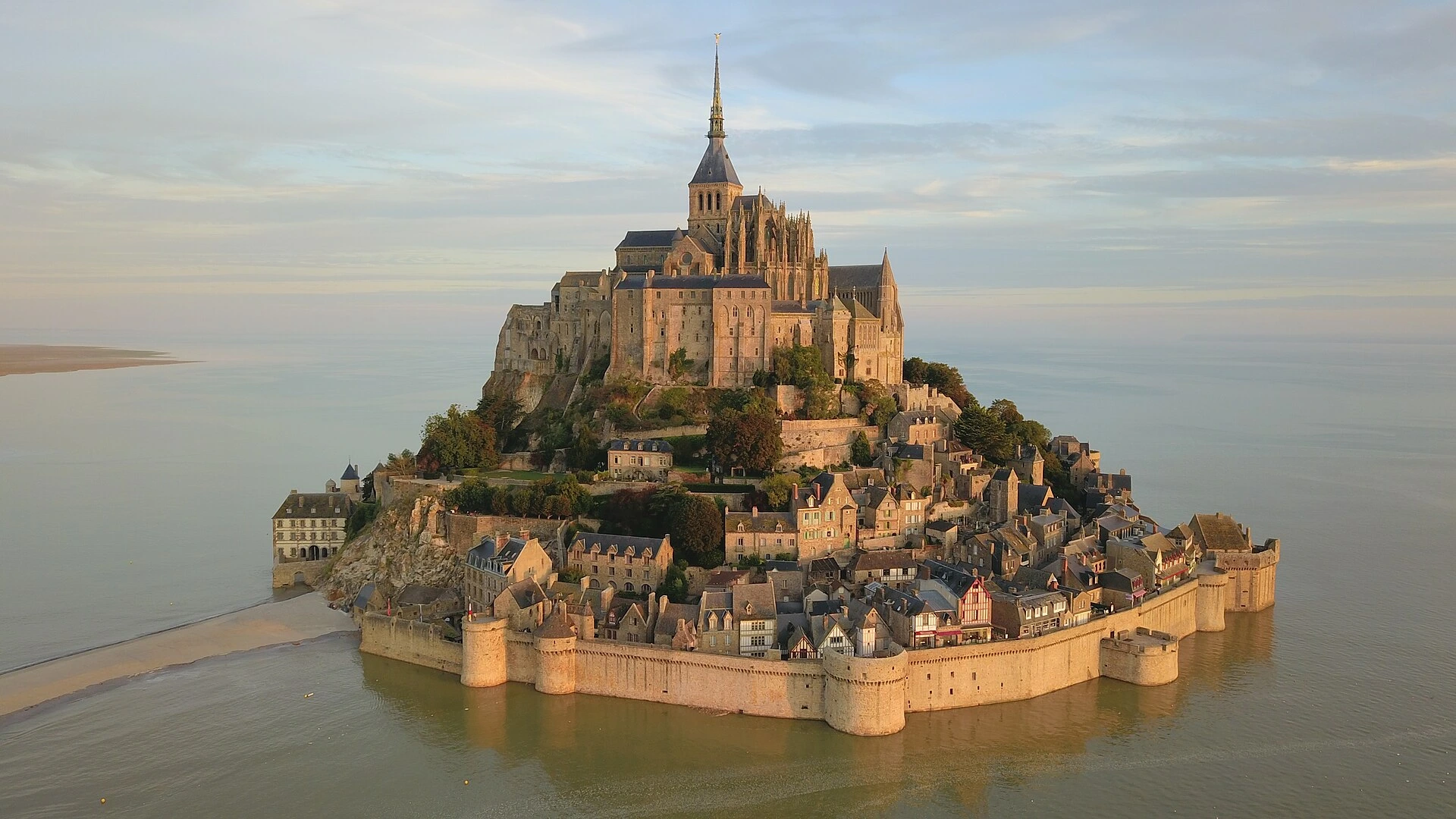
  '/assets/sightseeing/france/mont-saint-michel.webp'
];
#Skew angle
There is no "angle" parameter to control how slanted the gallery will be. Instead, the skew="{distance}" attribute determines the offset between the top and the bottom corners and the left attribute creates separation lines from top-left to bottom-right.
skew
<x-skewed-gallery class="h-80 gap-[3px]">
  <div class="p-4 bg-base-200 h-full text-xl">Default (100px)</div>
  @foreach($pictures as $picture)
    <img src="{{ $picture }}"/>
  @endforeach
</x-skewed-gallery>

<x-skewed-gallery class="h-80 gap-[3px]" skew="200px">
  <div class="p-4 bg-base-200 h-full text-xl">Increased skew</div>
  @foreach($pictures as $picture)
    <img src="{{ $picture }}"/>
  @endforeach
</x-skewed-gallery>

<x-skewed-gallery class="h-80 gap-[3px]" skew="30px">
  <div class="p-4 bg-base-200 h-full text-xl">Decreased skew</div>
  @foreach($pictures as $picture)
    <img src="{{ $picture }}"/>
  @endforeach
</x-skewed-gallery>

<x-skewed-gallery class="h-80 gap-[3px]" left>
  <div class="p-4 bg-base-200 h-full text-xl">Left<br/>skew</div>
  @foreach($pictures as $picture)
    <img src="{{ $picture }}"/>
  @endforeach
</x-skewed-gallery>
pictures = [
  '/assets/sightseeing/france/gros-horloge.webp',
  '/assets/sightseeing/france/carcassone.webp',
  '/assets/sightseeing/france/beaune.webp',
  '/assets/sightseeing/france/grand-palais.webp',
  '/assets/sightseeing/france/arles.webp',
  '/assets/sightseeing/france/lavande.webp',
  '/assets/sightseeing/france/rocamadour.webp',
  '/assets/sightseeing/france/chenonceau.webp',
  '/assets/sightseeing/france/mont-saint-michel.webp'
];
#Hovering elements
With a *:hover:w-{width} class, usually with a *:duration-{milliseconds} class, you can make it so that elements expand smoothly when the mouse cursor is above them. If necessary, the image will be zoomed it to fit.
Note that specifying a width in % may create a calculation loop preventing the browser from properly applying the resize animation.
<x-skewed-gallery class="h-80 gap-[3px] *:hover:w-[15vw] *:duration-500">
  @foreach($pictures as $picture)
    <img src="{{ $picture }}"/>
  @endforeach
</x-skewed-gallery>
pictures = [
  '/assets/sightseeing/france/grand-palais.webp',
  '/assets/sightseeing/france/arles.webp',
  '/assets/sightseeing/france/chenonceau.webp',
  '/assets/sightseeing/france/mont-saint-michel.webp'
];
#Troubleshooting
#Hovering elements: inconsistent animation
In the below example, depending on your screen width, the first 2 images get zoomed in as they expand under the cursor, closer to the end of the animation. The last 3 images are simply reframed to fit, without any visible zooming in.
This is caused by the images not having the same ratio.
The leftmost image is a square with very little space on the sides to accomodate for the increase in width. As a result, it must be zoomed it dramatically to fit into the gallery.
To a lesser extent, the second image also has a ratio that requires it to be zoomed in.Opposite to those 2 images, the other 3 images start with a large area on their sides cropped by the gallery. When they expand under the cursor, that area is enough to fill the space without any need for zooming.
If you want a consistent animation across a gallery, you must make sure all the images inside it have the same ratio or, better, the same size.
<x-skewed-gallery class="h-80 gap-[3px] [&>img]:hover:w-[15vw] *:duration-500">
  <div class="p-4 bg-base-200 h-full text-xl text-start">Unwanted zoom on 2 images</div>
  @foreach($pictures as $picture)
    <img src="{{ $picture }}"/>
  @endforeach
</x-skewed-gallery>
pictures = [
  '/assets/sightseeing/france/gros-horloge.webp',
  '/assets/sightseeing/france/carcassone.webp',
  '/assets/sightseeing/france/arles.webp',
  '/assets/sightseeing/france/chenonceau.webp',
  '/assets/sightseeing/france/mont-saint-michel.webp'
];
Having the same ratio does not always guarantee which behavior you will see; it only guarantees that behavior is consistent across all the images of the gallery.
You an actually see it on the page: the example in Hovering elements and this one have 3 images in common, yet the former exhibits a slight zoom effect that is absent from the latter, on the very same images.