Card
Cards are simply container of text and graphics.
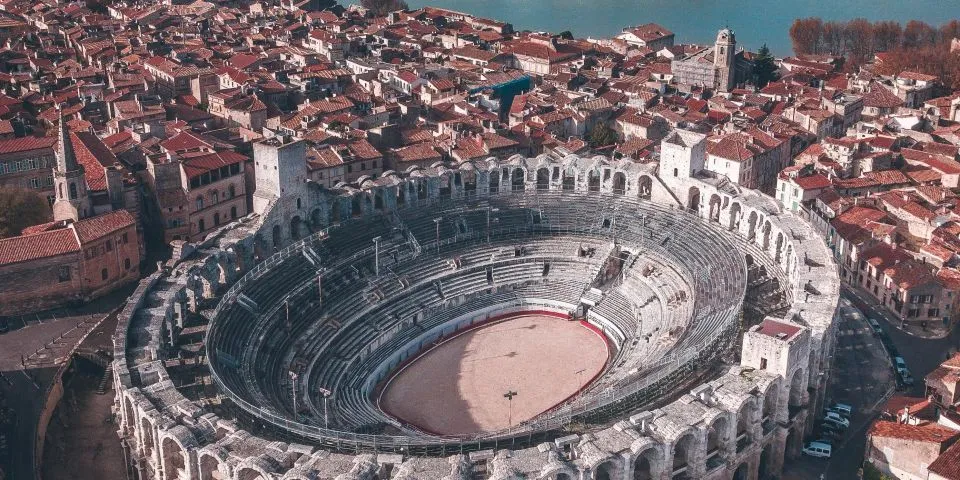
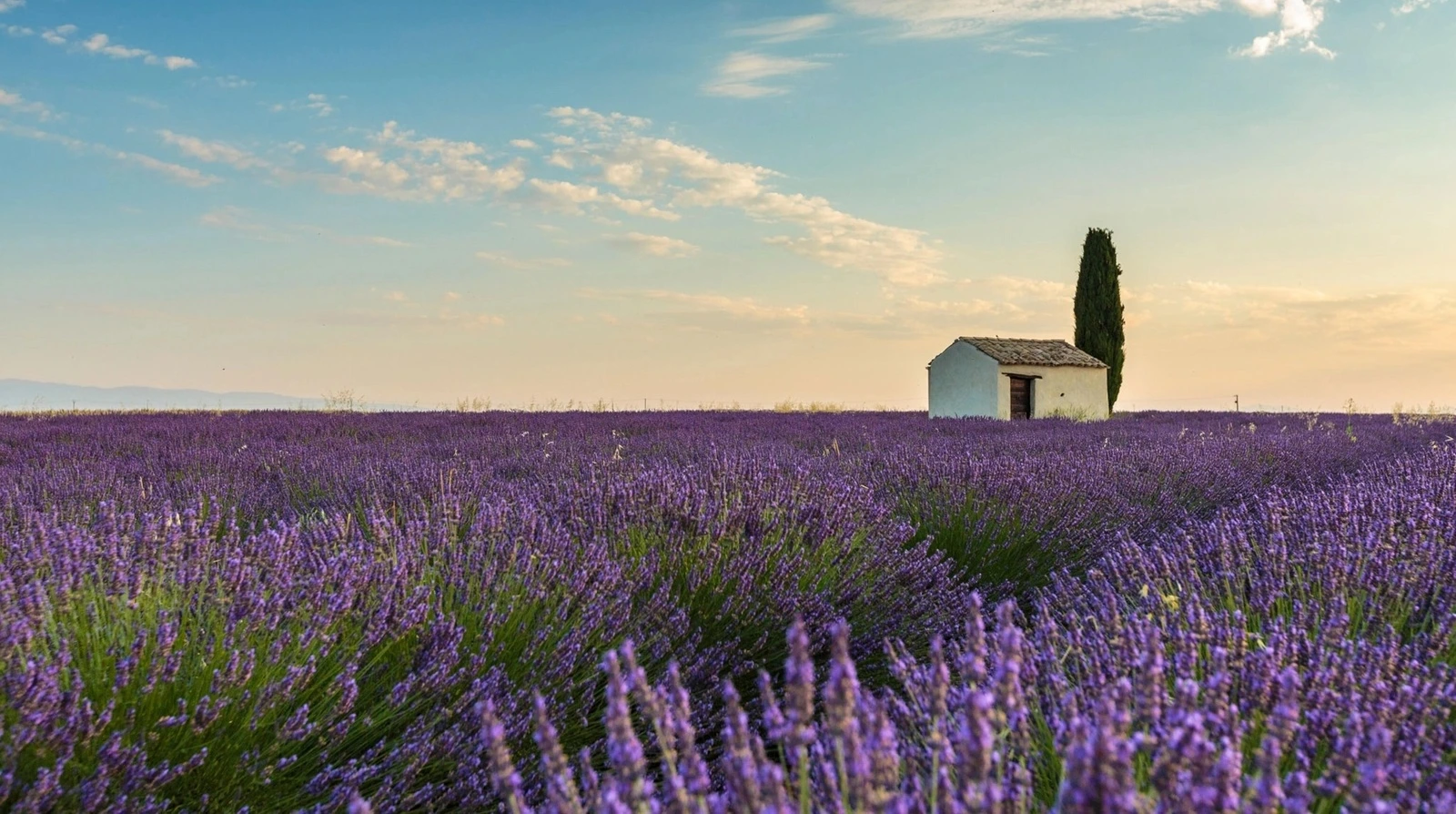
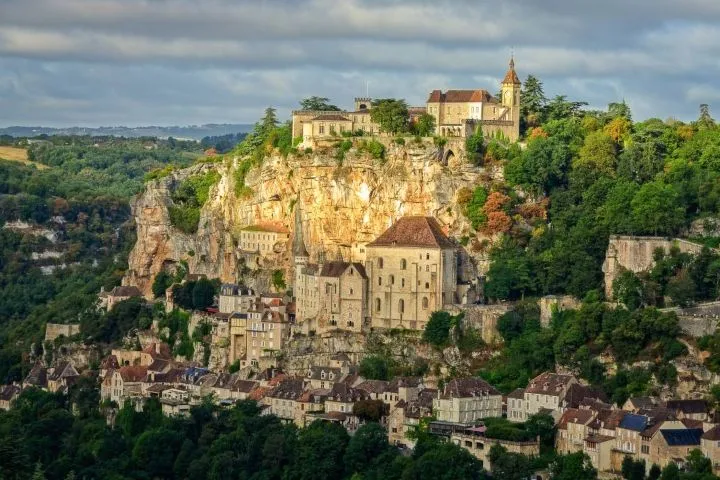
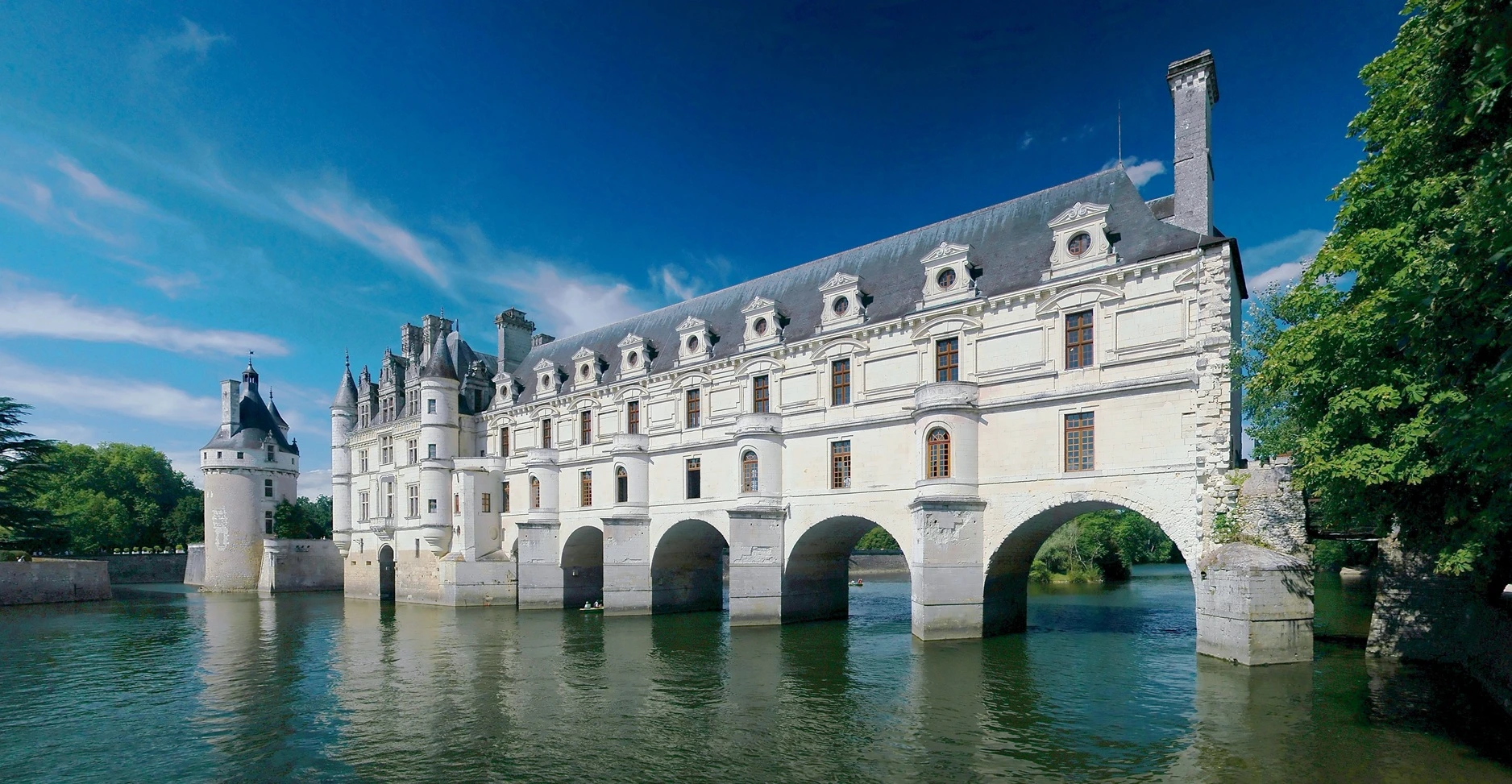
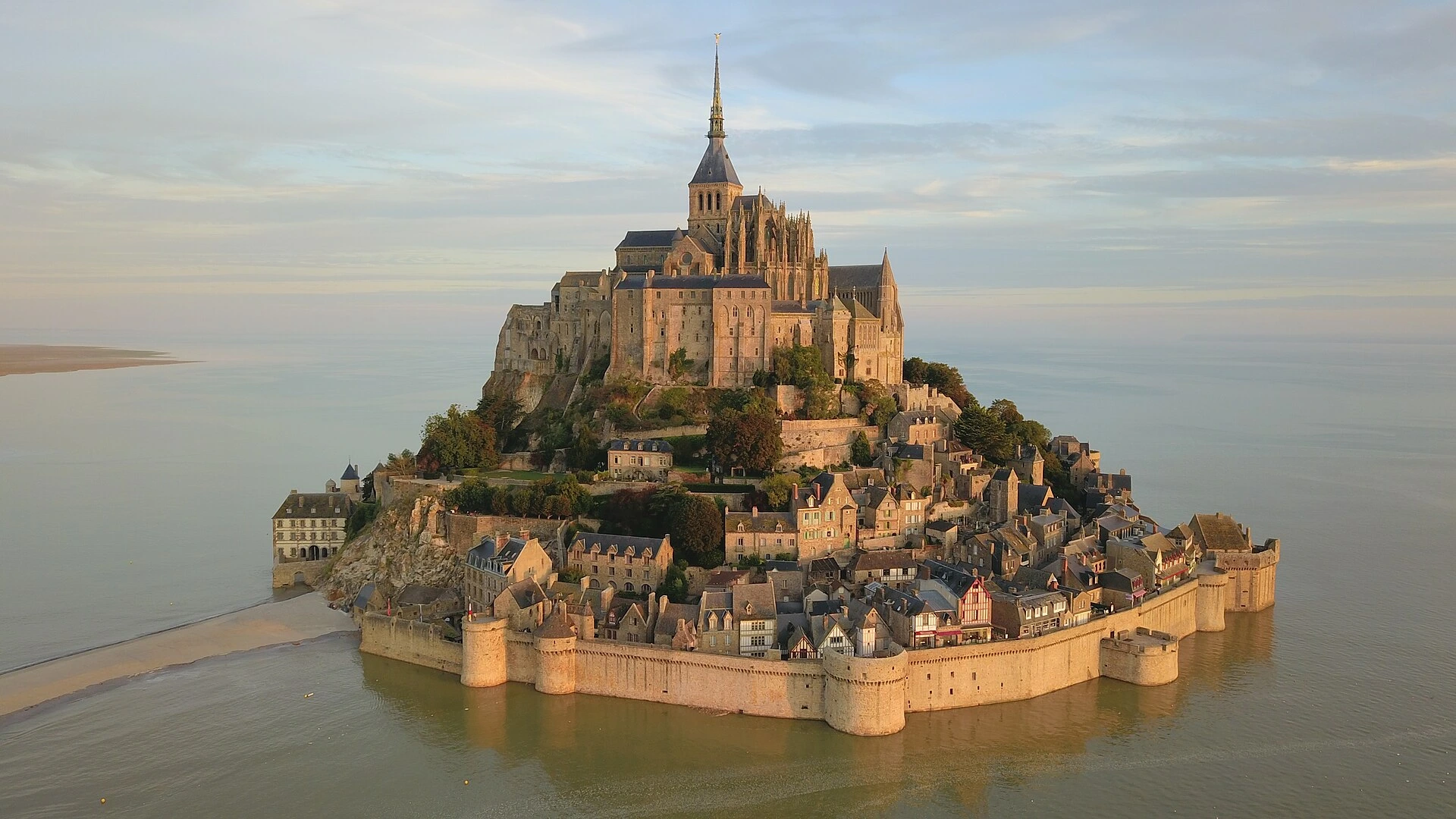
Come visit France!
There are so many beautiful places to see.
And good food too!
And good food too!
<x-card class="bg-base-100 border-1 border-base-300" separators>
  <x-slot:figure>
	<x-skewed-gallery class="w-full h-32 gap-[3px] *:hover:w-24 *:duration-500" skew="3rem">
	  <img src="/assets/sightseeing/france/gros-horloge.webp"/>
	  <img src="/assets/sightseeing/france/carcassone.webp"/>
	  <img src="/assets/sightseeing/france/beaune.webp"/>
	  <img src="/assets/sightseeing/france/grand-palais.webp"/>
	  <img src="/assets/sightseeing/france/arles.webp"/>
	  <img src="/assets/sightseeing/france/lavande.webp"/>
	  <img src="/assets/sightseeing/france/rocamadour.webp"/>
	  <img src="/assets/sightseeing/france/chenonceau.webp"/>
	  <img src="/assets/sightseeing/france/mont-saint-michel.webp"/>
	</x-skewed-gallery>
  </x-slot:figure>
  <x-slot:title>
	Come visit France!
  </x-slot:title>
  There are so many beautiful places to see.<br/>
  And good food too!
  <x-slot:actions>
	<x-button color="accent" label="Book my flight now!"/>
  </x-slot:actions>
</x-card>
#Styling
The color attribute is used as usual. Buttons inside the actions slot will change color accordingly.
Default
Card without color attribute
Neutral
Card with neutral color
Primary
Card with primary color
Secondary
Card with secondary color
Accent
Card with accent color
Info
Card with info color
Success
Card with success color
Warning
Card with warning color
Error
Card with error color
<x-card class="bg-base-100" title="Default">
  Card without color attribute
  <x-slot:actions>
	<x-button>Button</x-button>
  </x-slot:actions>
</x-card>
<x-card class="bg-base-100" title="Neutral" color="neutral">
  Card with neutral color
  <x-slot:actions>
	<x-button>Button</x-button>
  </x-slot:actions>
</x-card>
<x-card class="bg-base-100" title="Primary" color="primary">
  Card with primary color
  <x-slot:actions>
	<x-button>Button</x-button>
  </x-slot:actions>
</x-card>
<x-card class="bg-base-100" title="Secondary" color="secondary">
  Card with secondary color
  <x-slot:actions>
	<x-button>Button</x-button>
  </x-slot:actions>
</x-card>
<x-card class="bg-base-100" title="Accent" color="accent">
  Card with accent color
  <x-slot:actions>
	<x-button>Button</x-button>
  </x-slot:actions>
</x-card>
<x-card class="bg-base-100" title="Info" color="info">
  Card with info color
  <x-slot:actions>
	<x-button>Button</x-button>
  </x-slot:actions>
</x-card>
<x-card class="bg-base-100" title="Success" color="success">
  Card with success color
  <x-slot:actions>
	<x-button>Button</x-button>
  </x-slot:actions>
</x-card>
<x-card class="bg-base-100" title="Warning" color="warning">
  Card with warning color
  <x-slot:actions>
	<x-button>Button</x-button>
  </x-slot:actions>
</x-card>
<x-card class="bg-base-100" title="Error" color="error">
  Card with error color
  <x-slot:actions>
	<x-button>Button</x-button>
  </x-slot:actions>
</x-card>
The color of buttons can of course be forced.
Info
Card with info color
<x-card class="bg-base-100" title="Info" color="info">
  Card with info color
  <x-slot:actions>
	<x-button>Button</x-button>
	<x-button color="success">Success button</x-button>
  </x-slot:actions>
</x-card>
#Horizontal layout
The card-side class rotates the layout 90°.
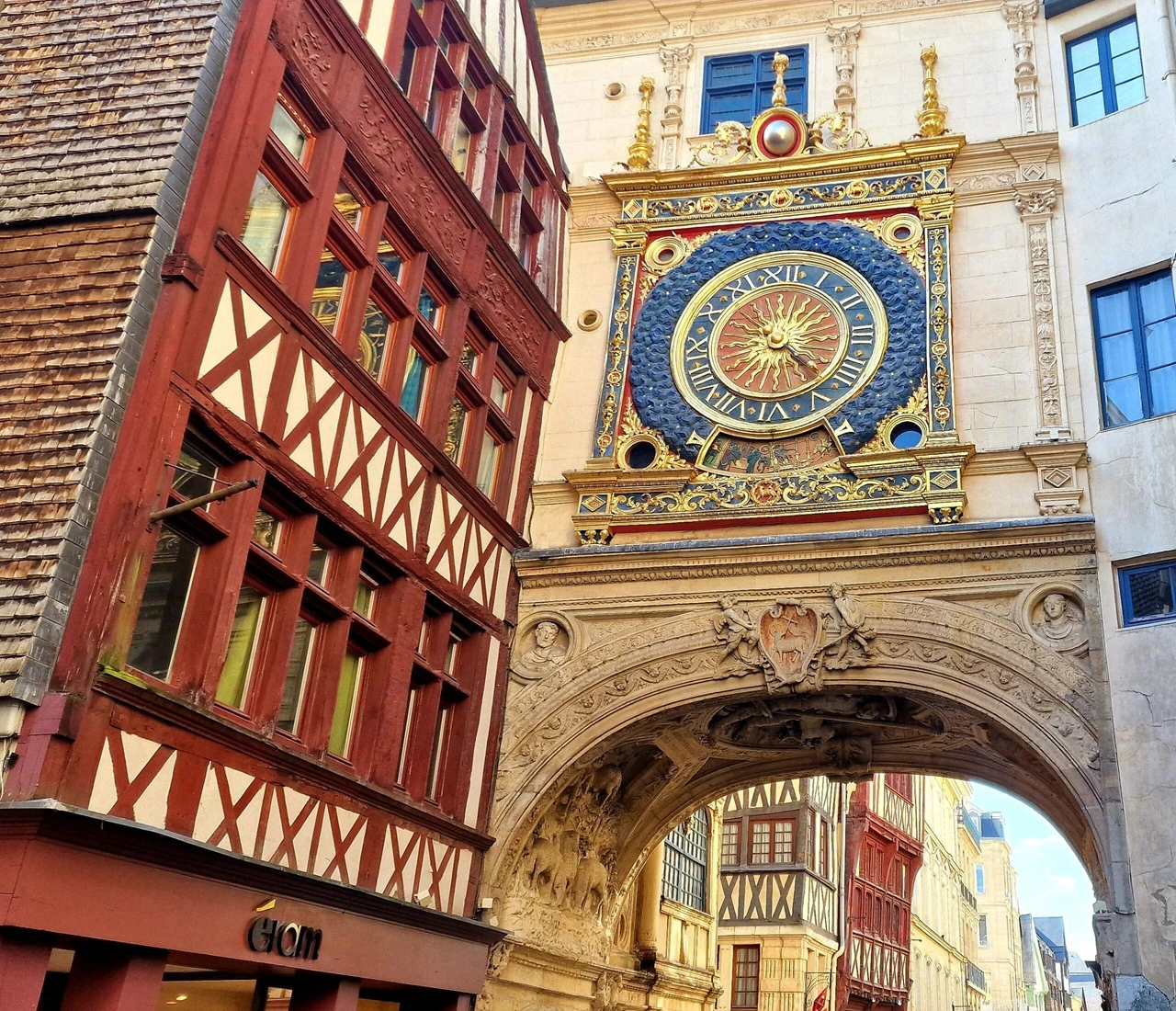
Gros Horloge
Only a few dozens meters away from France's highest cathedral, in its Medieval center, Rouen houses this magnificent astronomical clock from the XIVth century.
<x-card  class="bg-base-100 border-1 border-base-300 max-w-150 card-side" separators>
  <x-slot:figure class="max-w-60">
	<img src="/assets/sightseeing/france/gros-horloge.webp"/>
  </x-slot:figure>
  <x-slot:title>
	Gros Horloge
  </x-slot:title>
    Only a few dozens meters away from France's highest cathedral, in its Medieval center, Rouen houses this magnificent astronomical clock from the XIV<sup>th</sup> century.
  <x-slot:actions>
	<x-button color="accent" label="Book my flight now!"/>
  </x-slot:actions>
</x-card>
#Image overlay
The image-full class makes the card image cover the entire card, in its background.
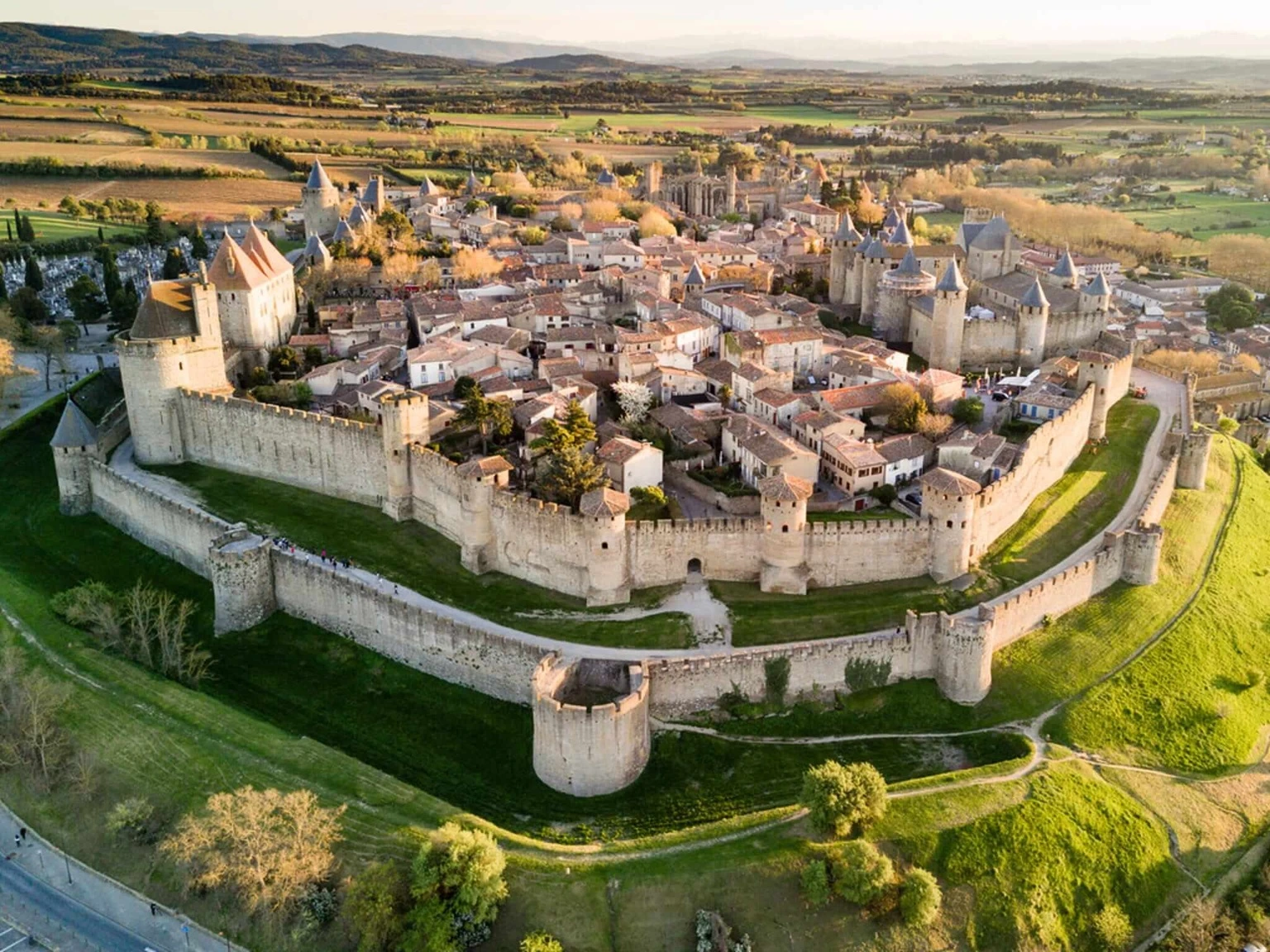
Carcassone
The fortifications of the city date back from the Roman Republic and offer a great view on the countryside around.
<x-card class="max-w-120 image-full" separators>
  <x-slot:figure>
	<img src="/assets/sightseeing/france/carcassone.webp"/>
  </x-slot:figure>
  <x-slot:title class="text-neutral-content">
	Carcassone
  </x-slot:title>
  The fortifications of the city date back from the Roman Republic and offer a great view on the countryside around.
  <x-slot:actions>
	<x-button class="shadow-none" color="accent" label="Book my flight now!"/>
  </x-slot:actions>
</x-card>